How do I allow students to increase the video playback speed?
By default, students can slow down videos if they need to. You can also let students speed them up.
To turn on playback speed up controls for students:
-
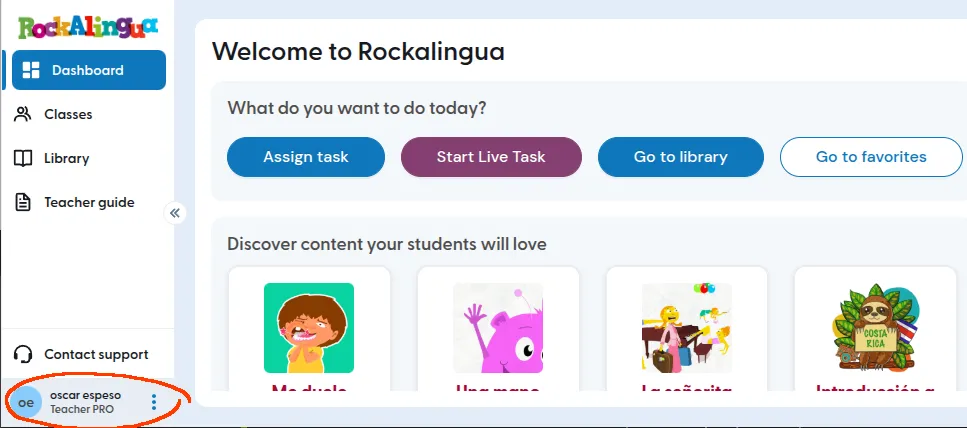
Look at the bottom left of the navigation bar.
-
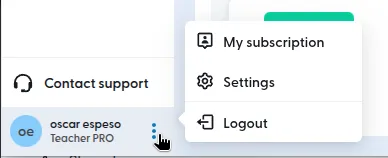
Click the three dots next to your profile name.
-
Click ‘Settings’.
-
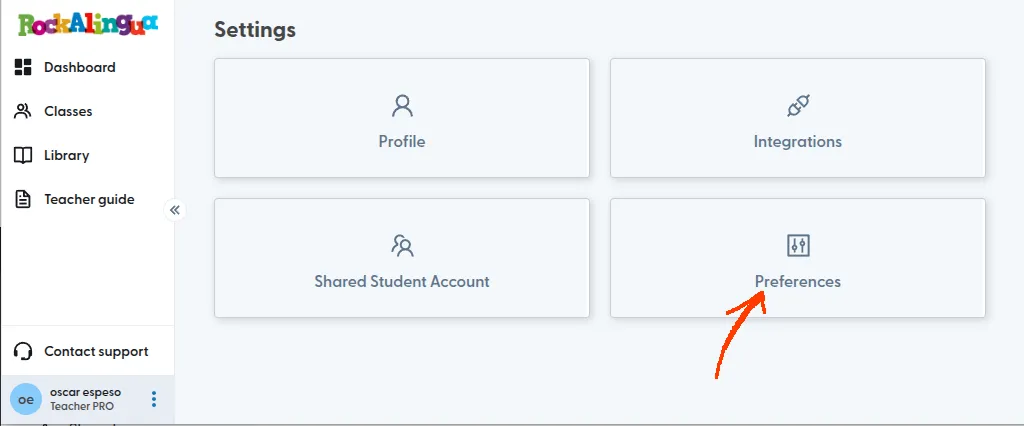
Click ‘Preferences’.
-
Turn on ‘Allow students to increase playback rate’.
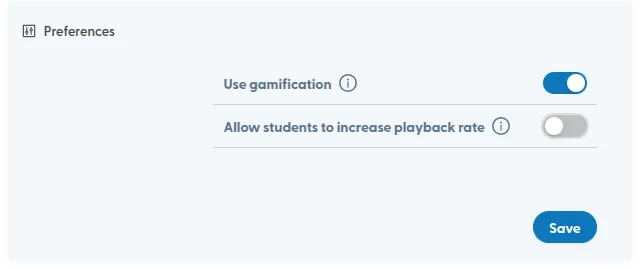
Students will now see the playback speed up controls in addition to the default normal and slow down options on the video player.