
How do I import classes from Google Classroom, Clever, or ClassLink?
If your school uses Google Classroom, Clever, or ClassLink, Rockalingua can sync your classes for you. This means Rockalingua imports your class list and student roster from that platform.
Before you start, confirm that your classes are ready to sync. If you are not sure, ask your school or district IT team.
Follow this steps:
-
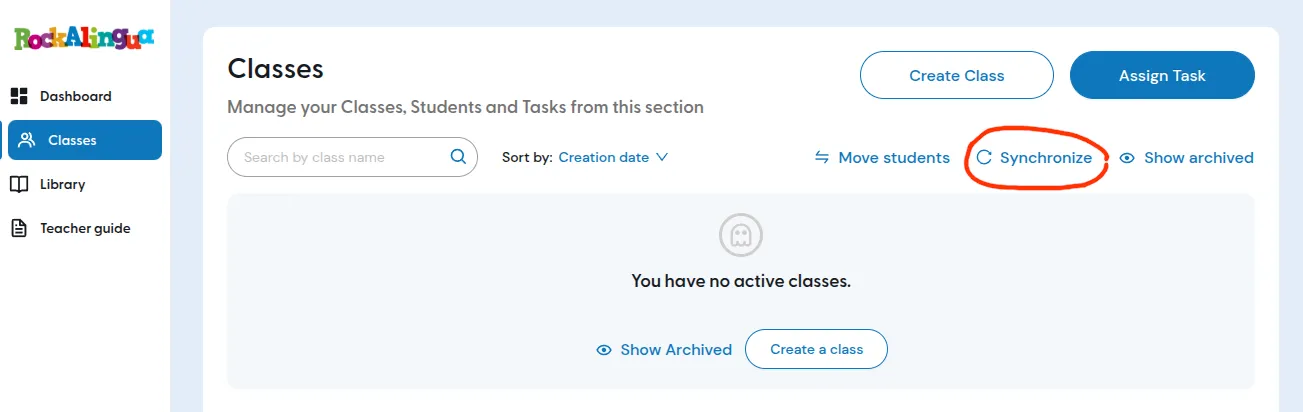
Go to ‘Classes’.
-
Click ‘Synchronize’.
-
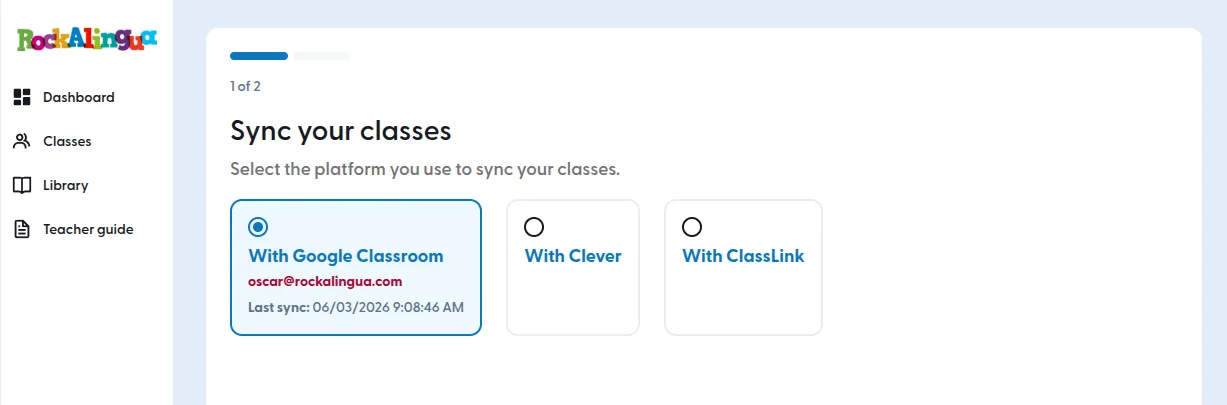
Select the platform you want to use:
-
Review the list of classes that will be created.
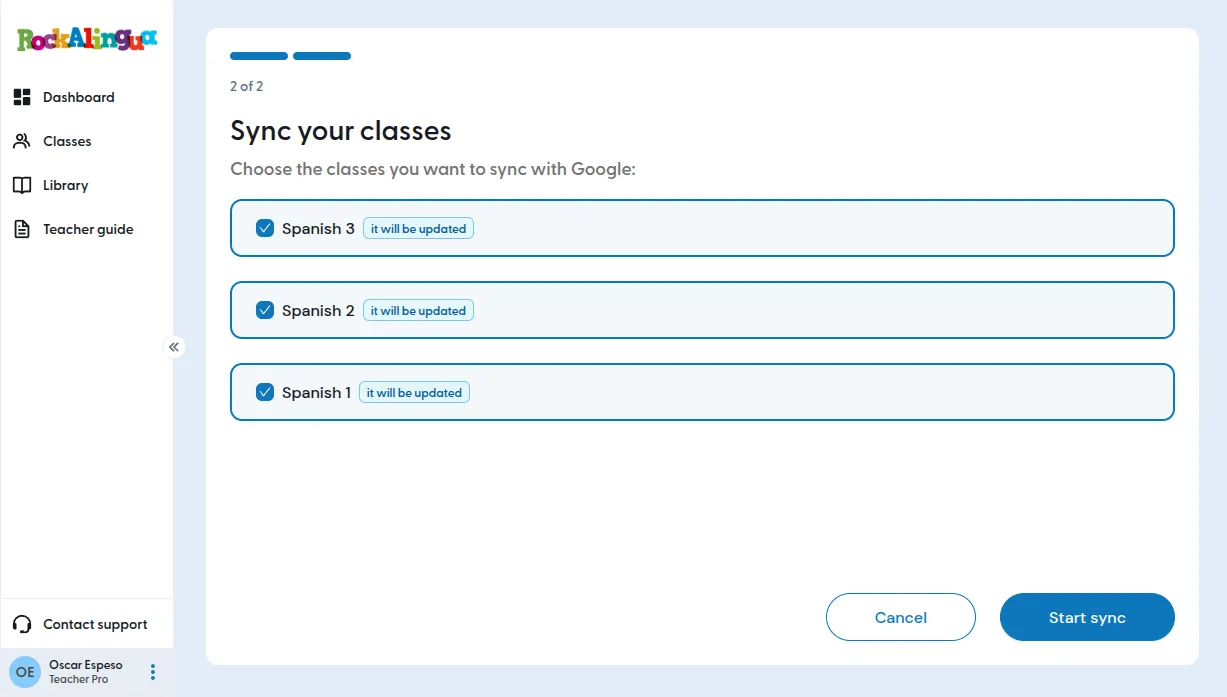
Important: If you see classes that are not yours, or classes that you will not use with Rockalingua, stop here. Ask your school or district IT team to fix the class list before you sync.
-
Click ‘Start sync’.
-
Wait for the sync to finish. It usually takes just a few seconds.
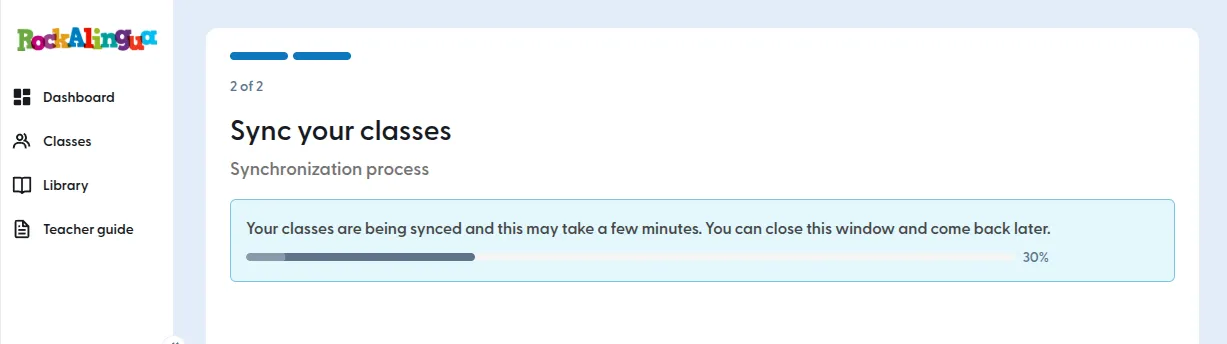
Tip: If the sync takes longer, you can leave the page while it runs. Rockalingua will notify you when it is done.
-
When the page says the sync is complete, you are finished
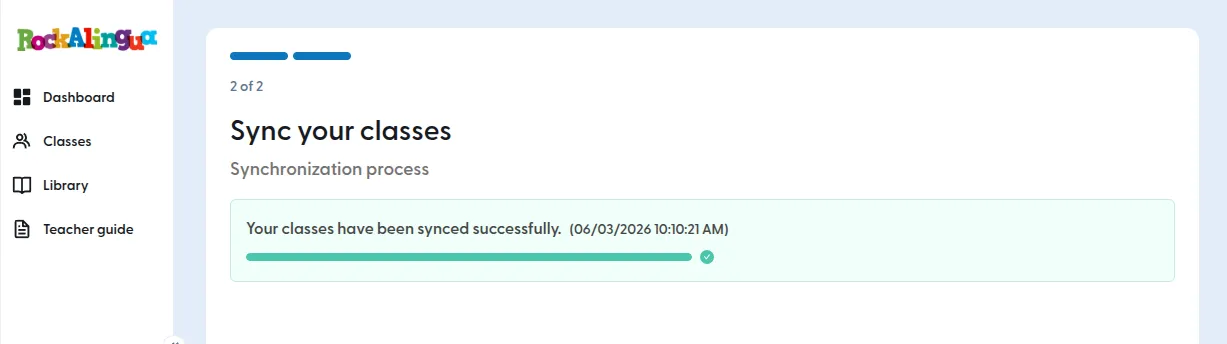
Your synced classes are now ready to use in Rockalingua.